Local
Run your team on this device
A$0
Free. No card, no billing.
- Full roster & results on device
- Season import & backups
- Fairness & lineup tools
- No account required
For community tennis captains
Plan the lineup, cover late changes and keep the season’s results together. Less admin. More tennis.
Free on this device. No account. No card.
Start free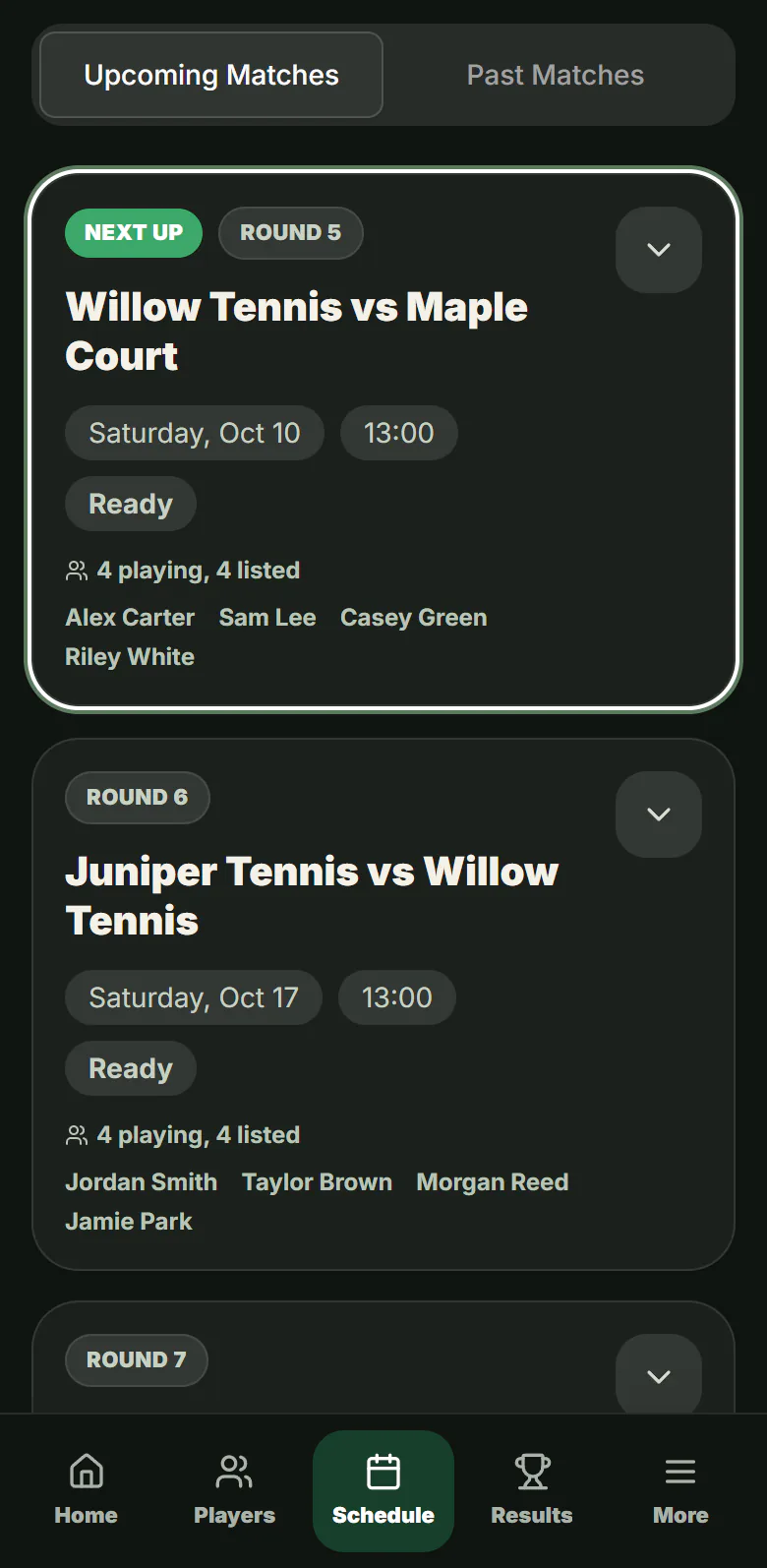
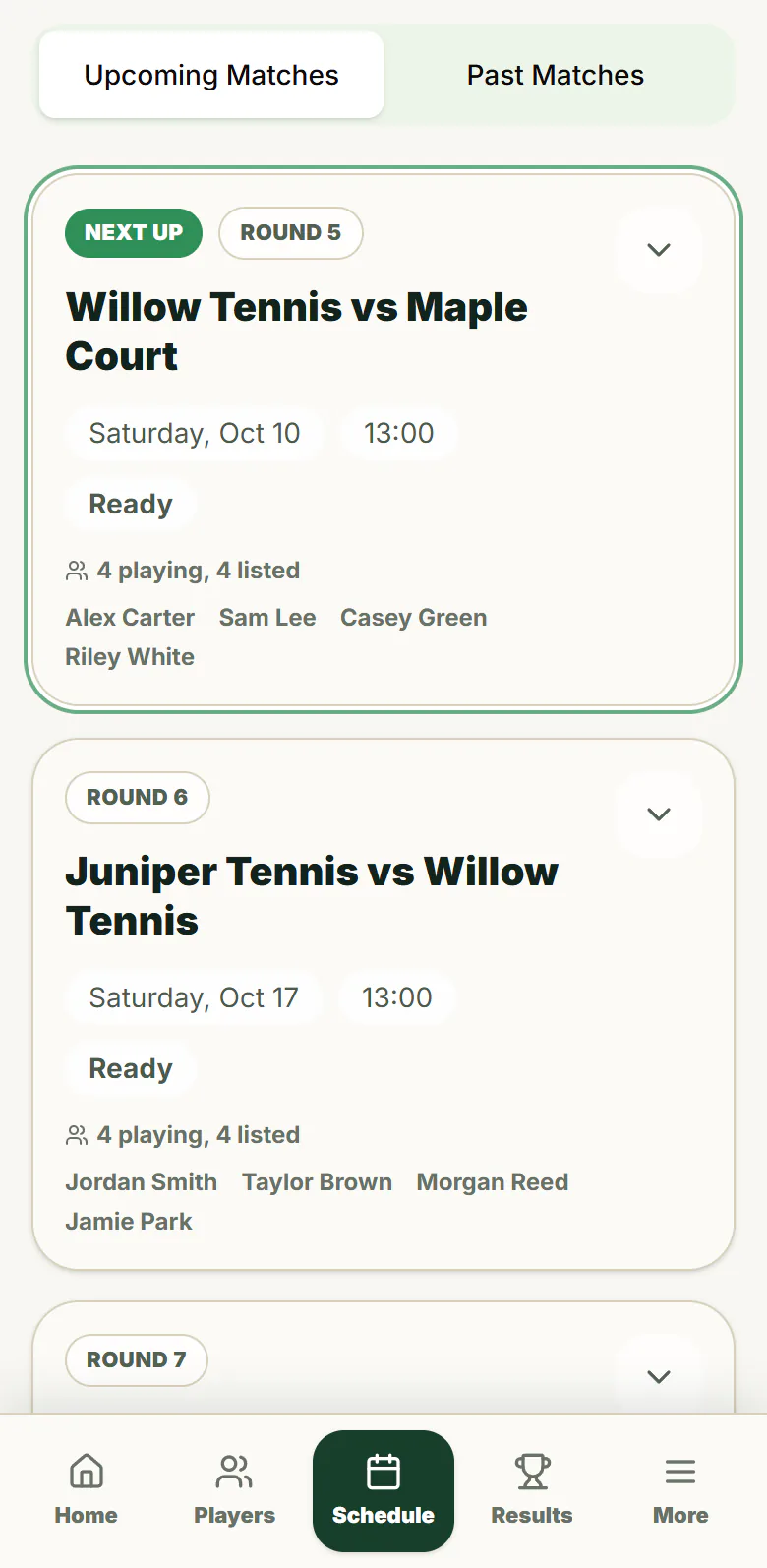
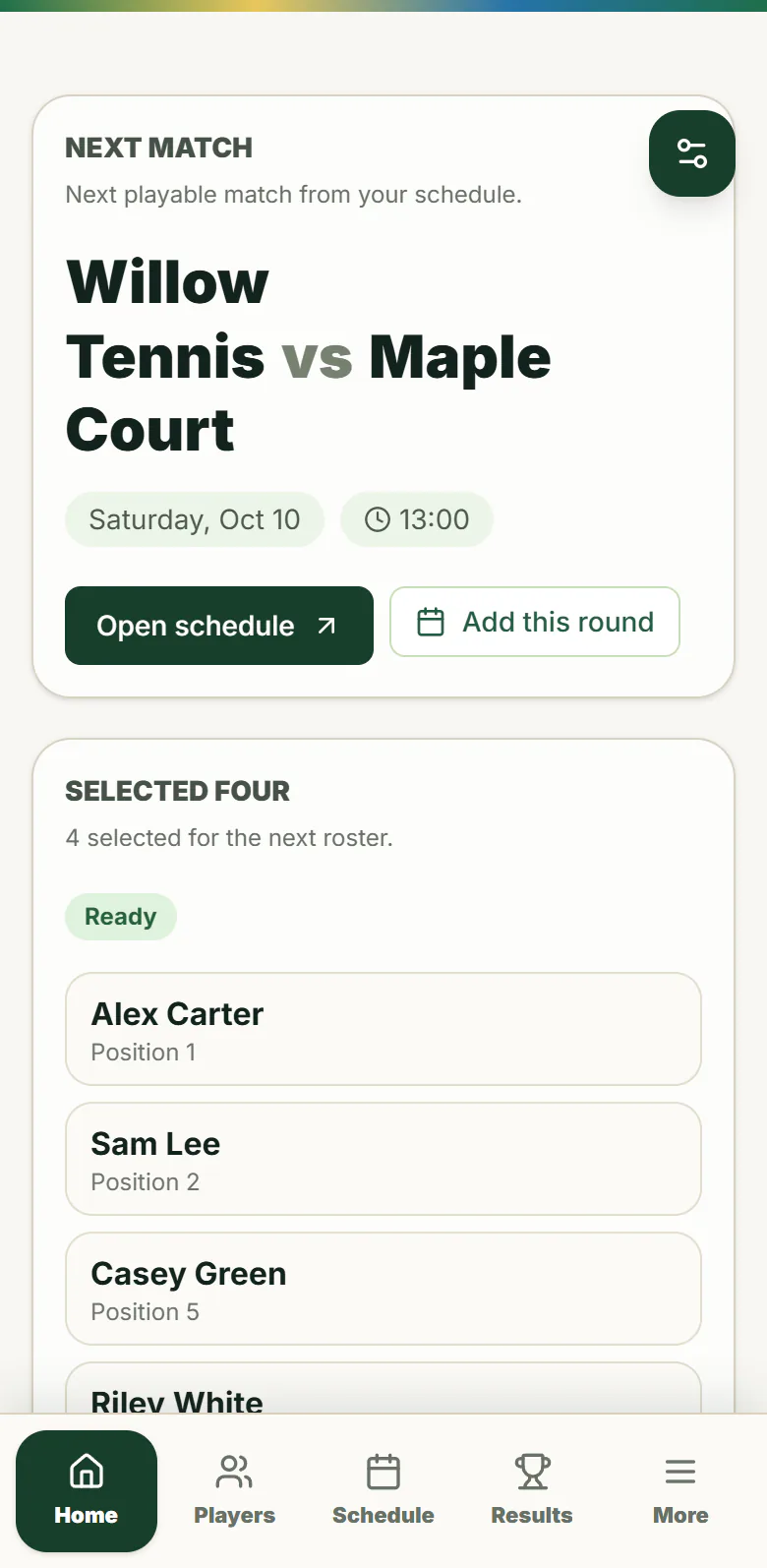
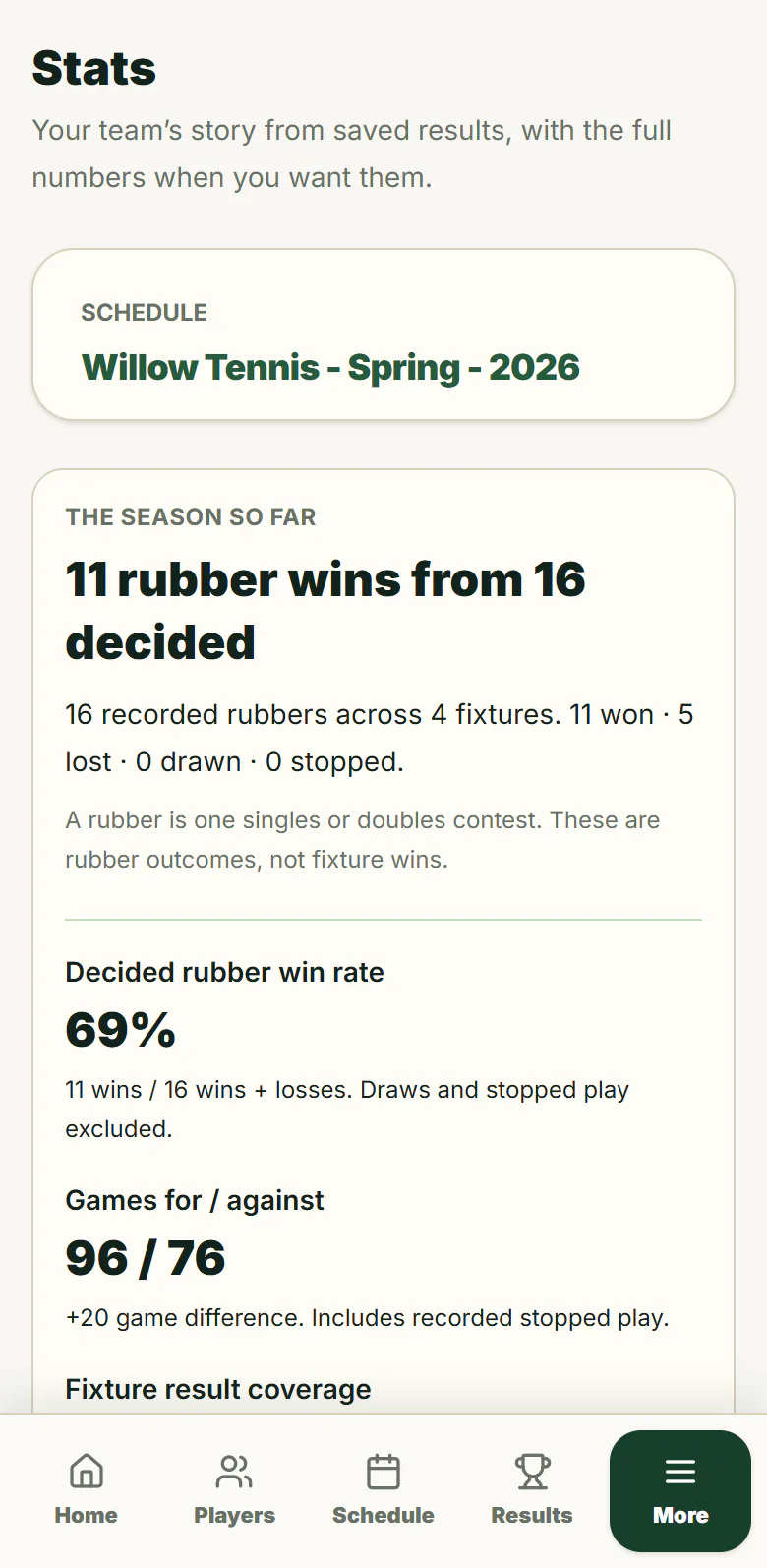
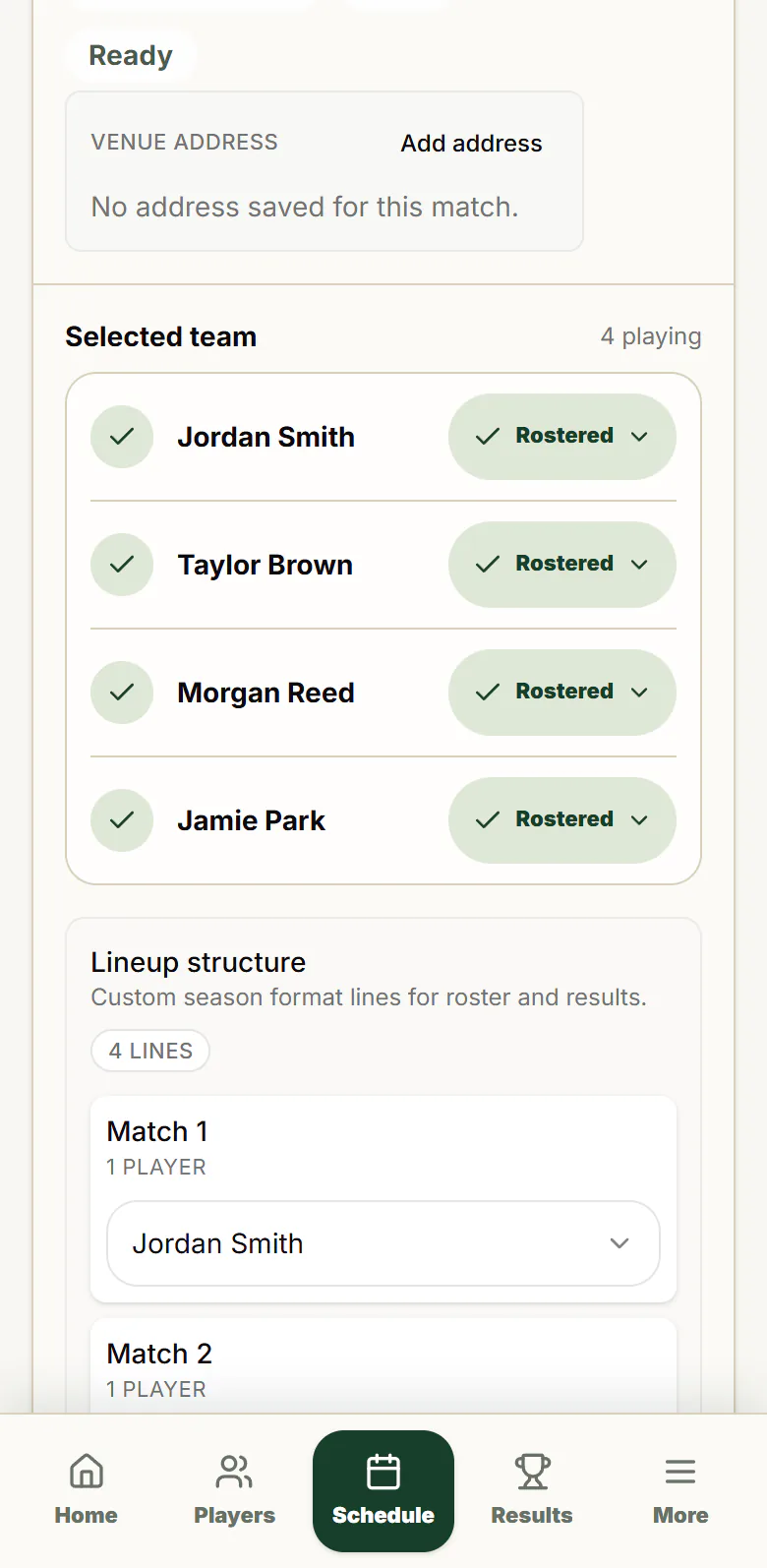
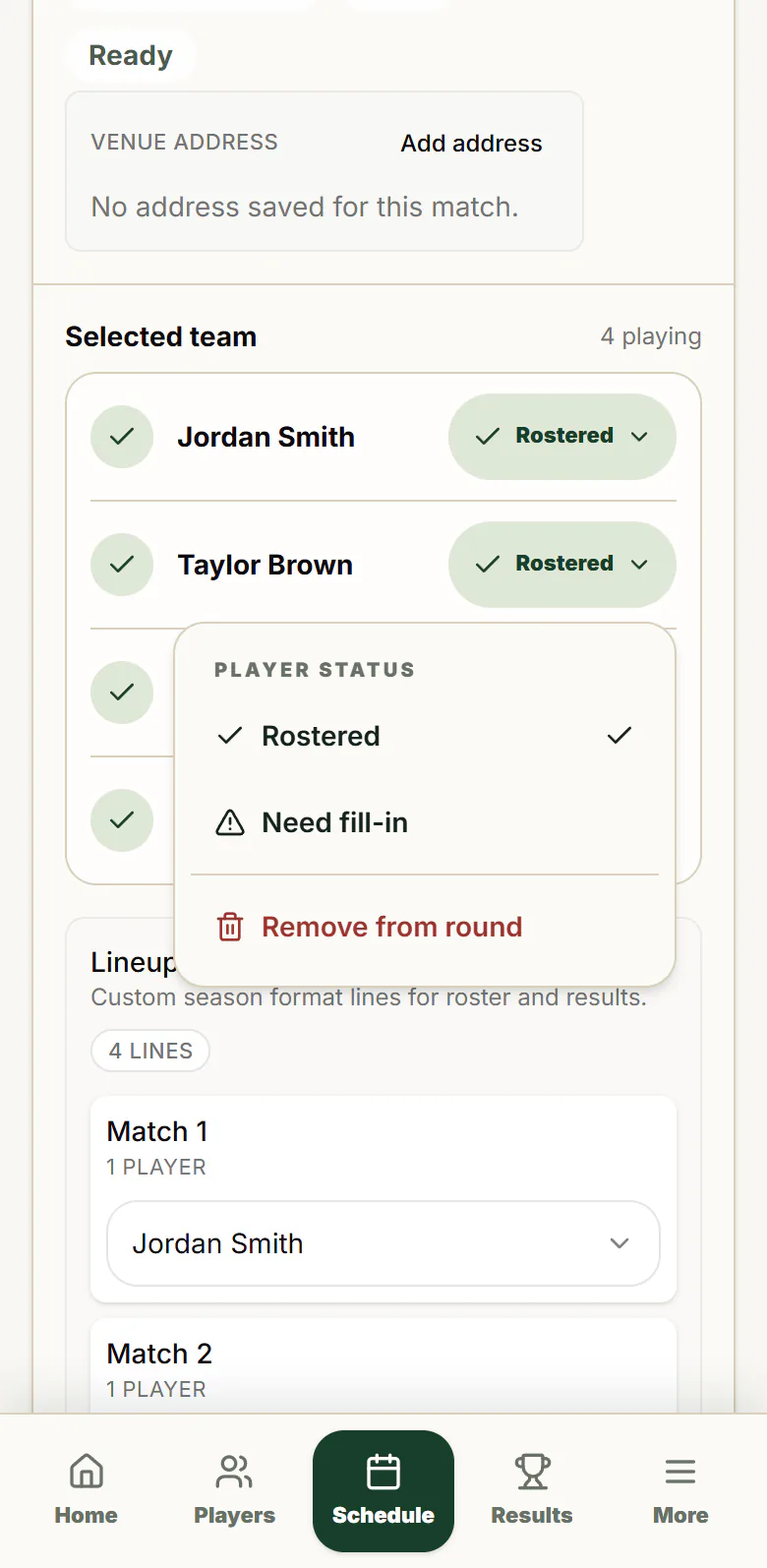
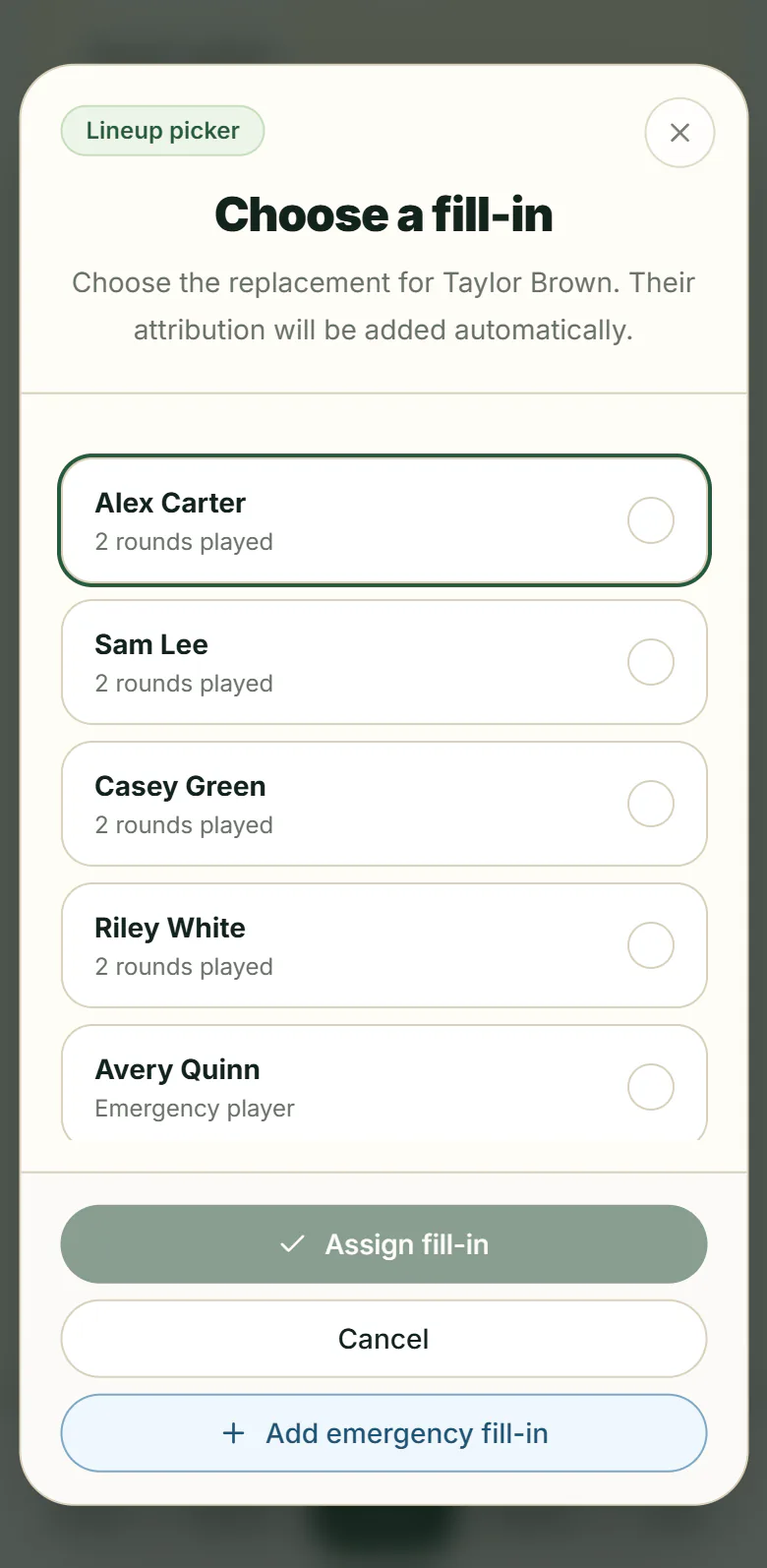
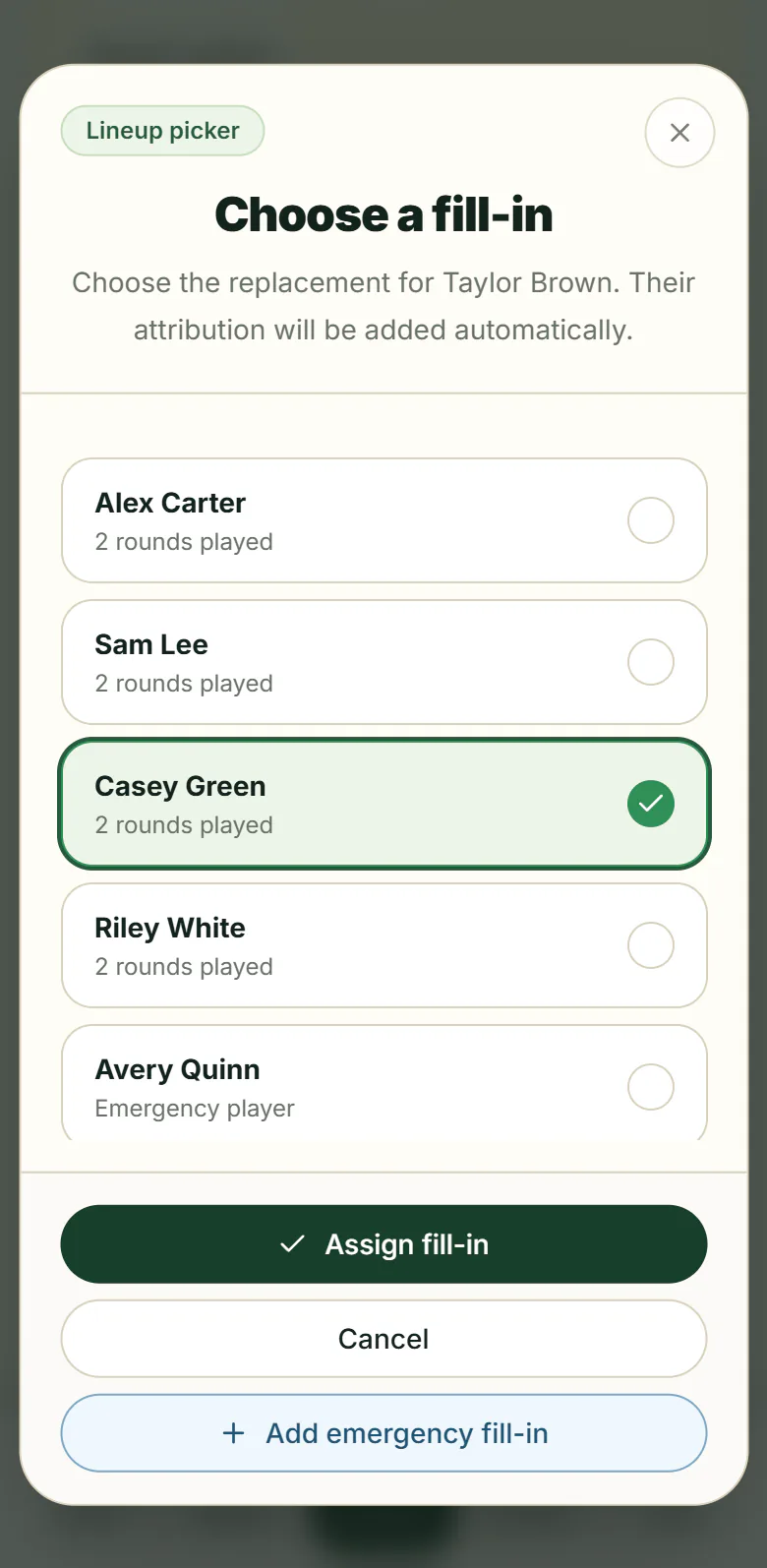
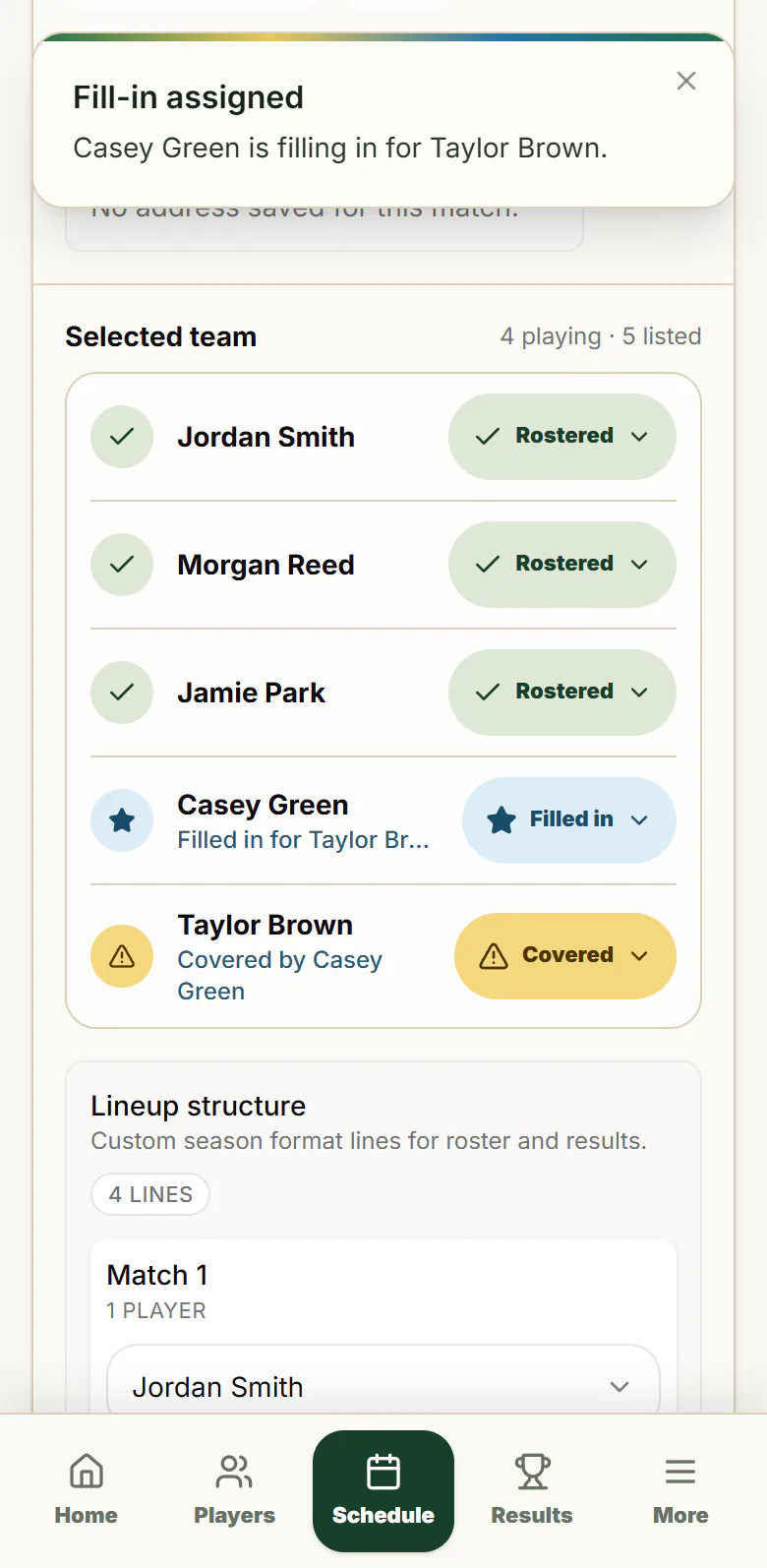
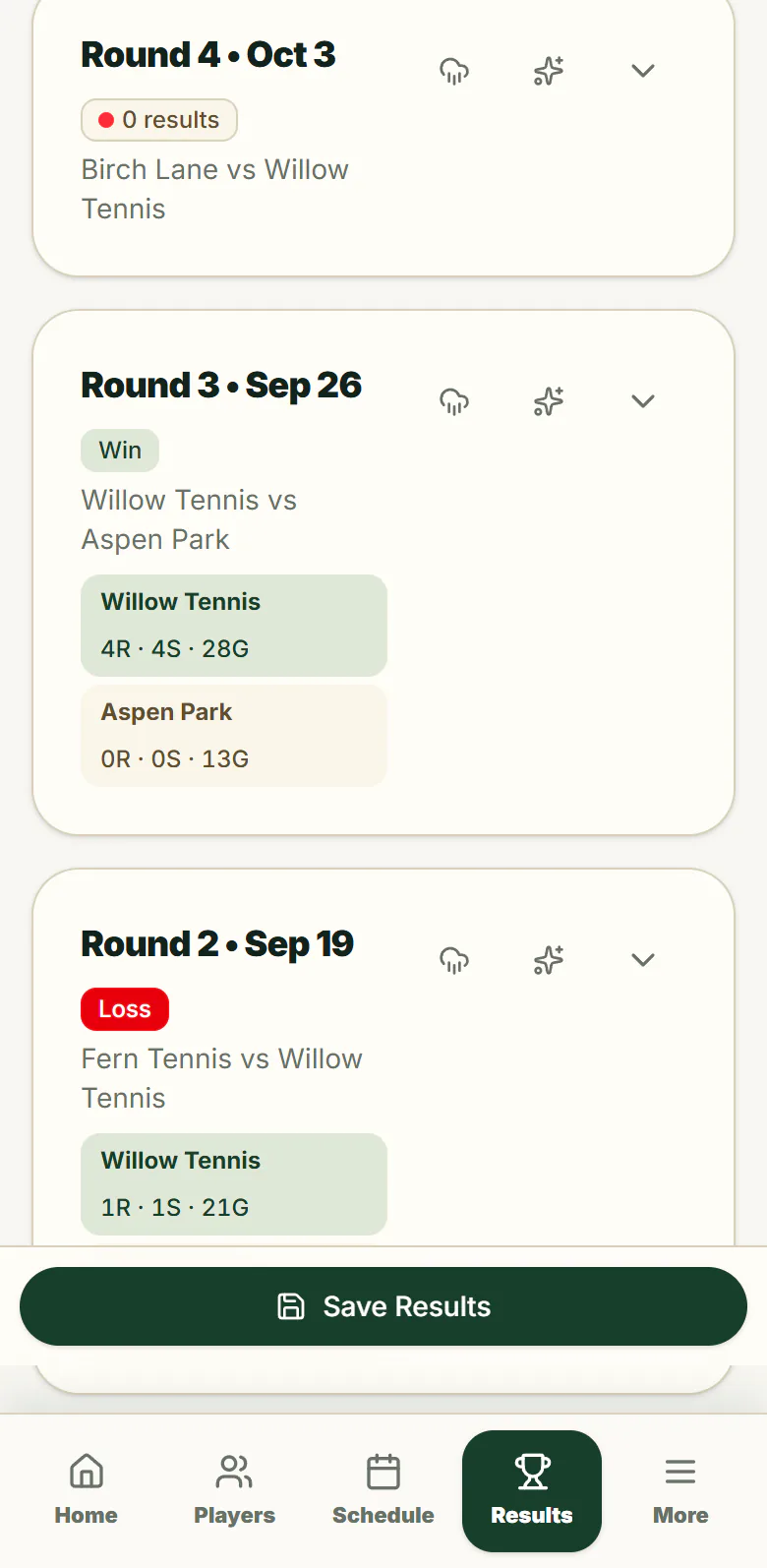
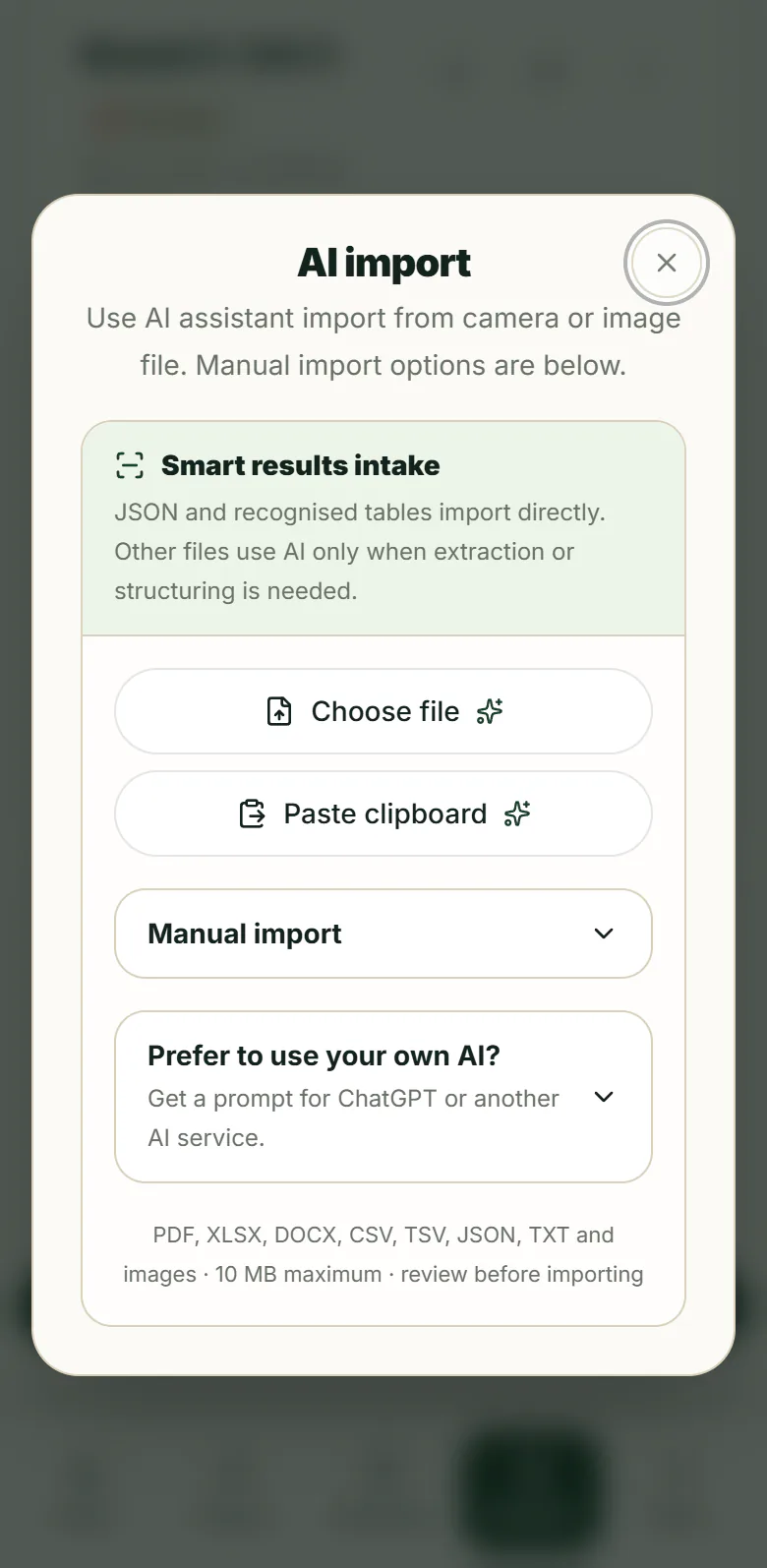
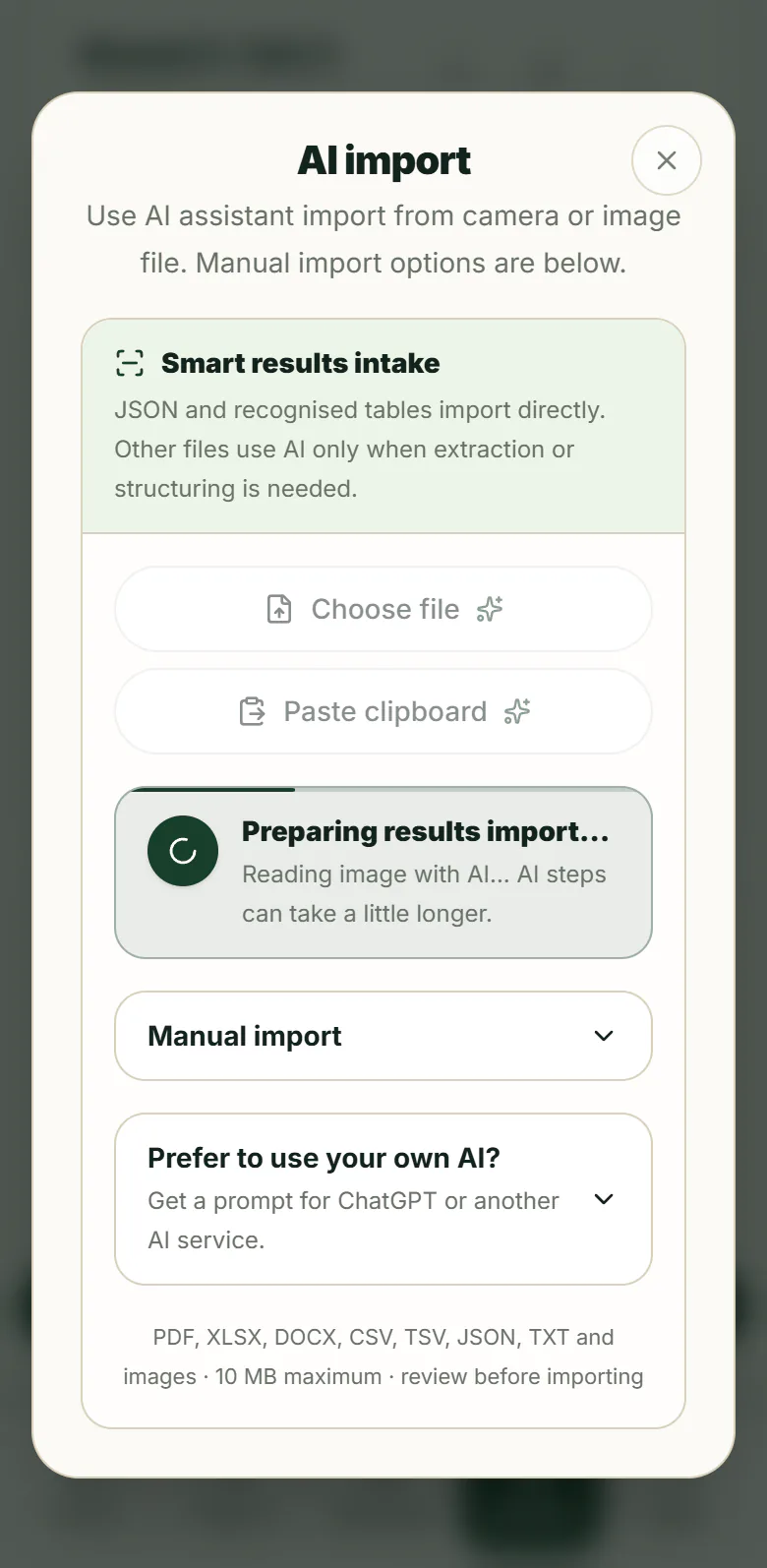
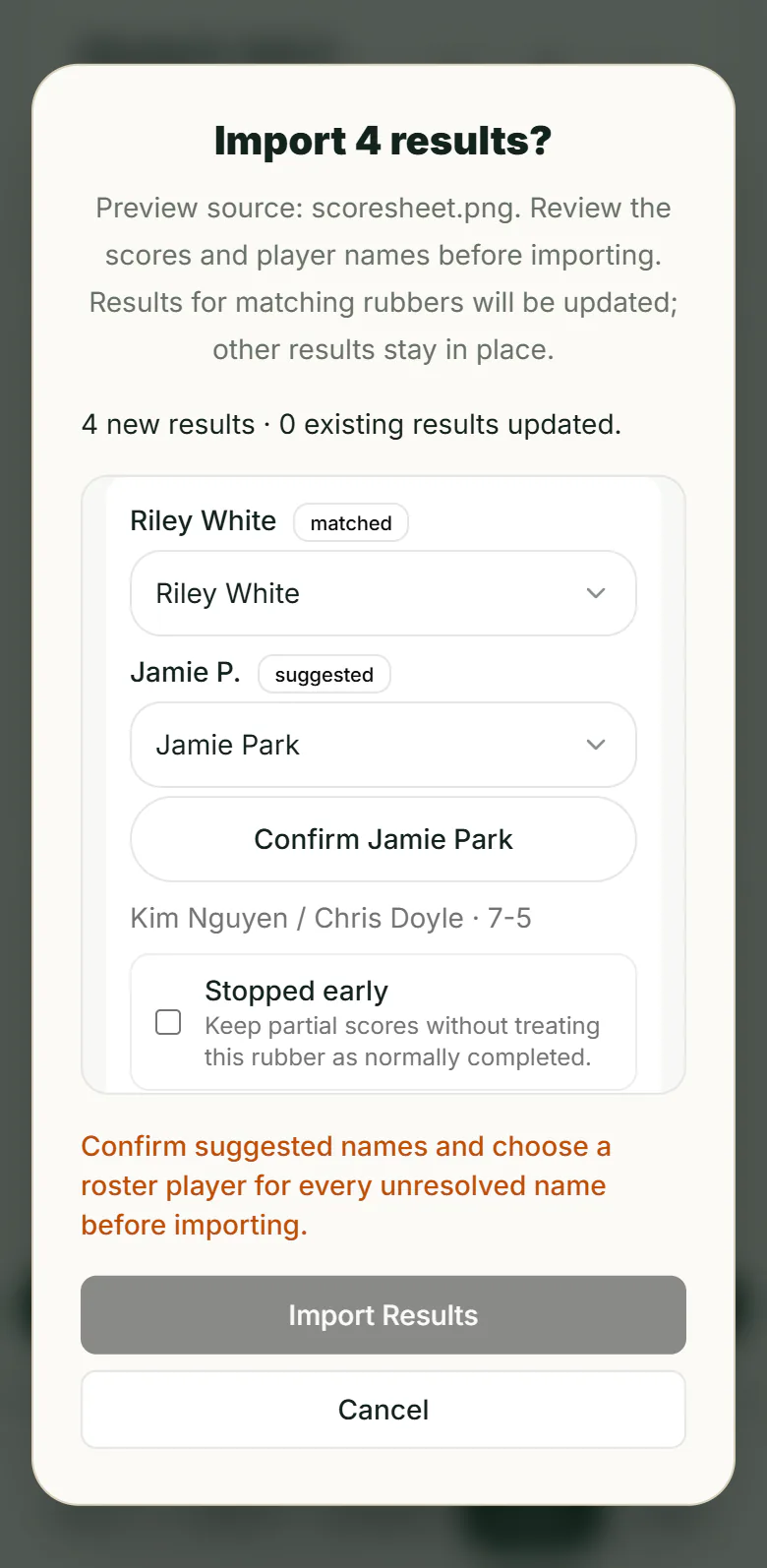
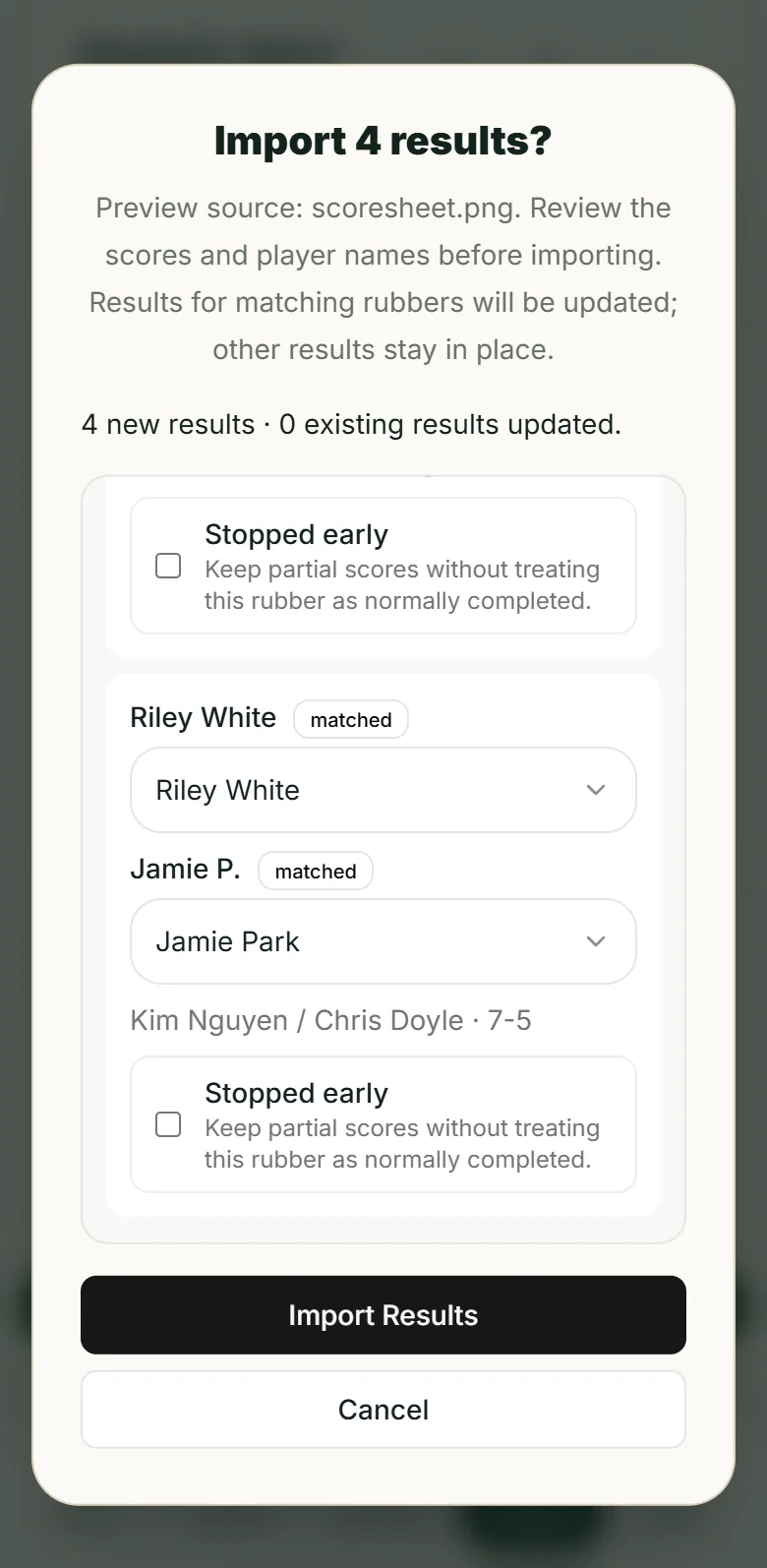
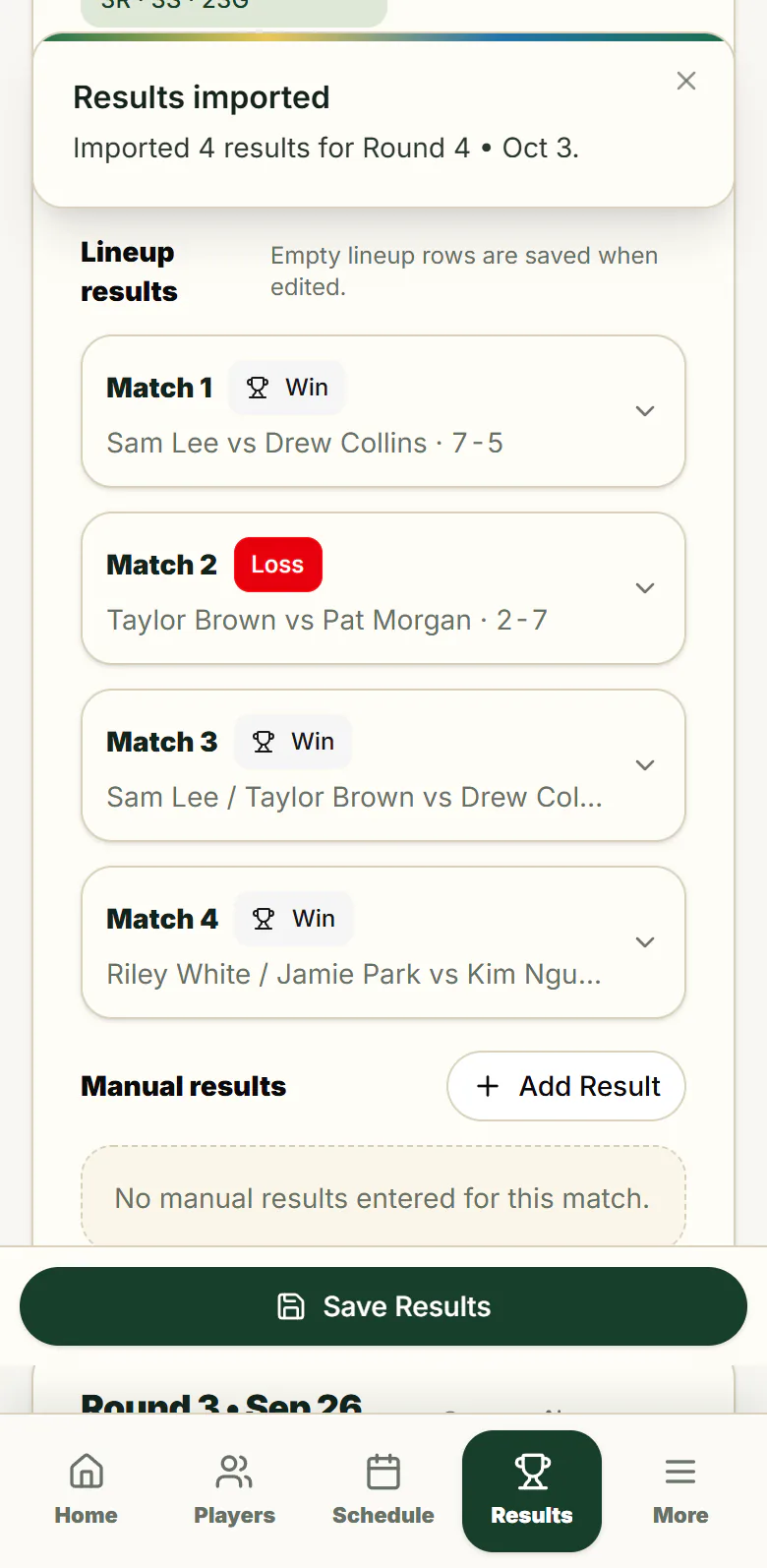
Real screens from the app, showing a fictional team.
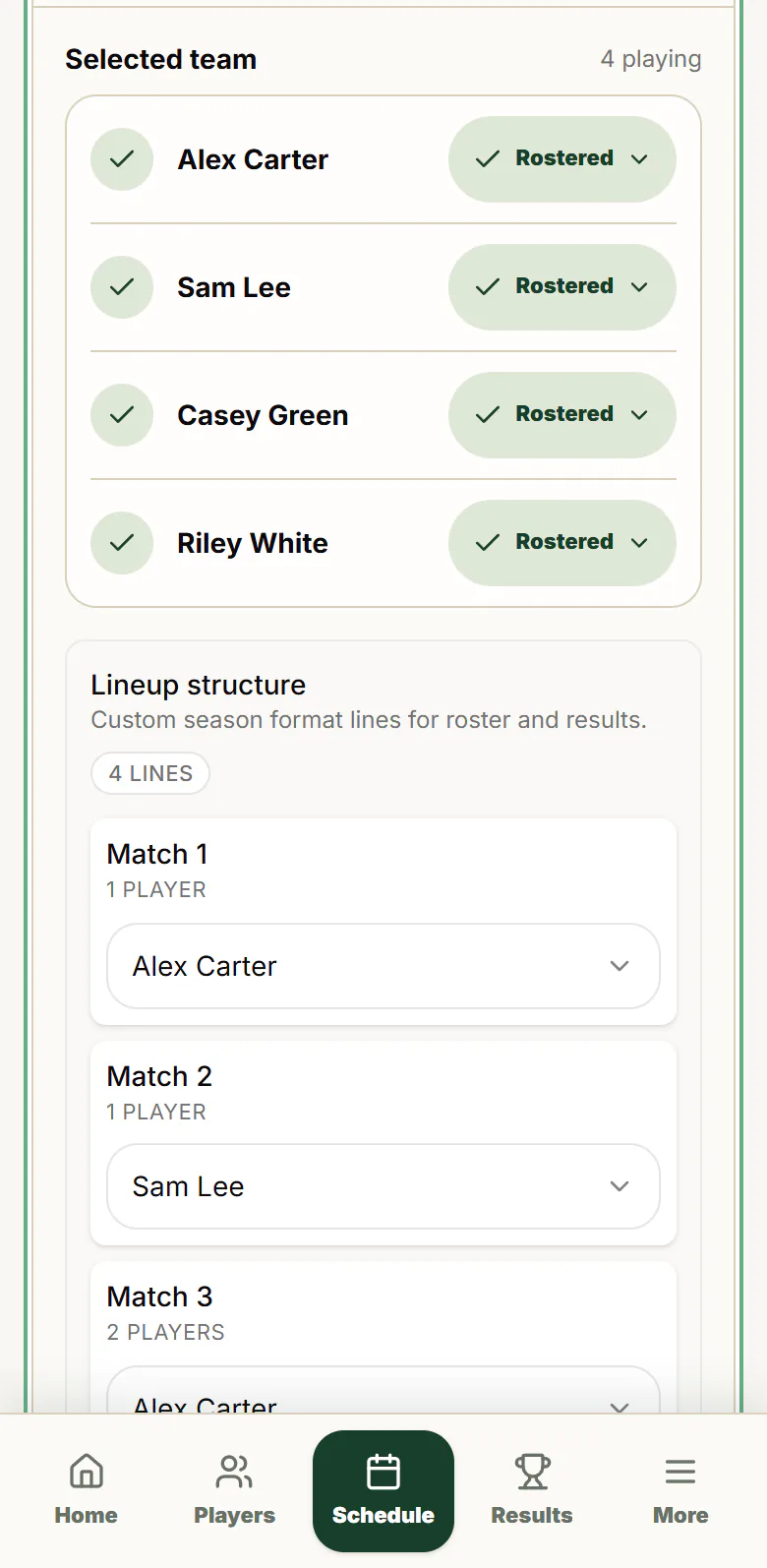
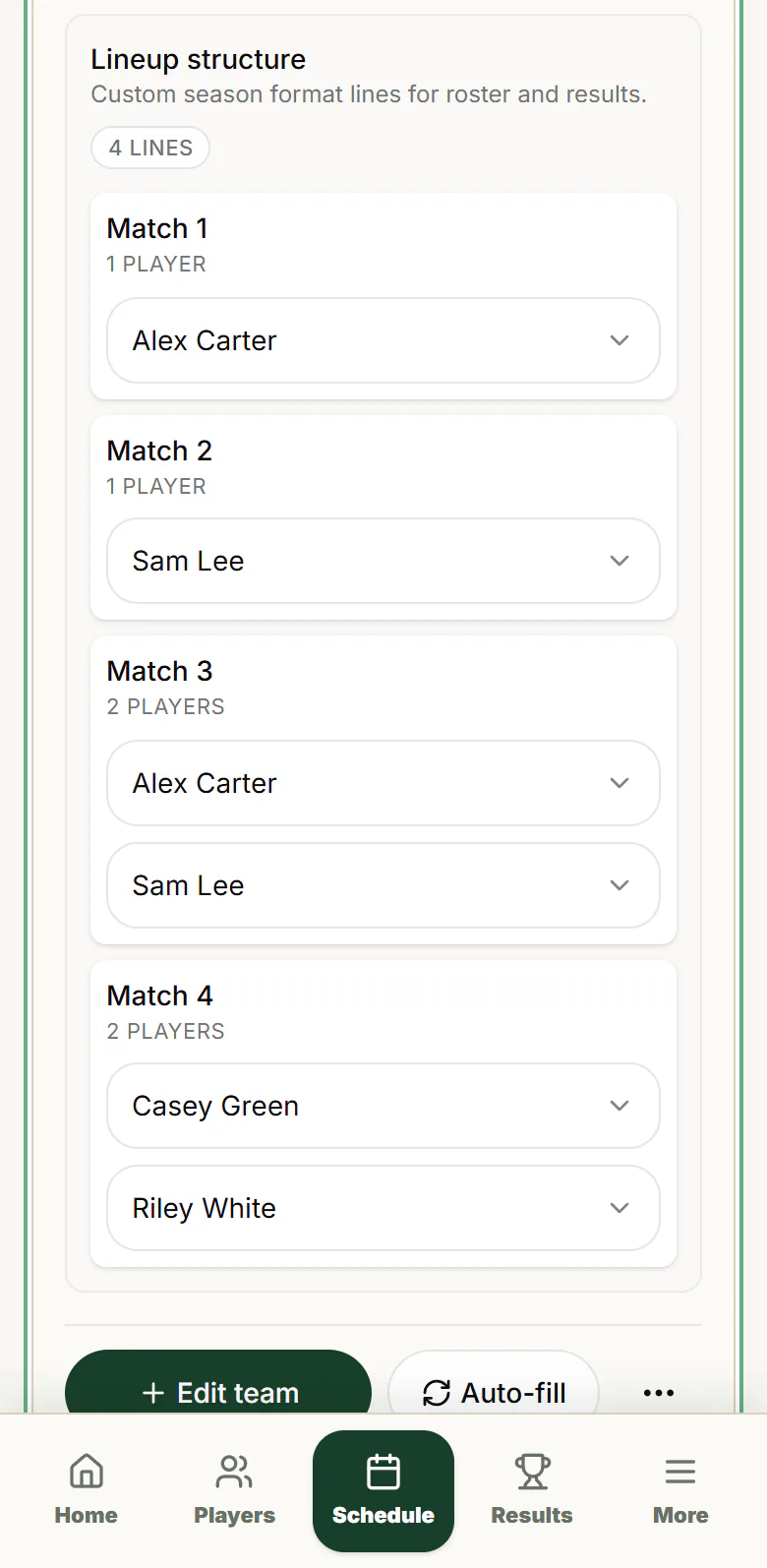
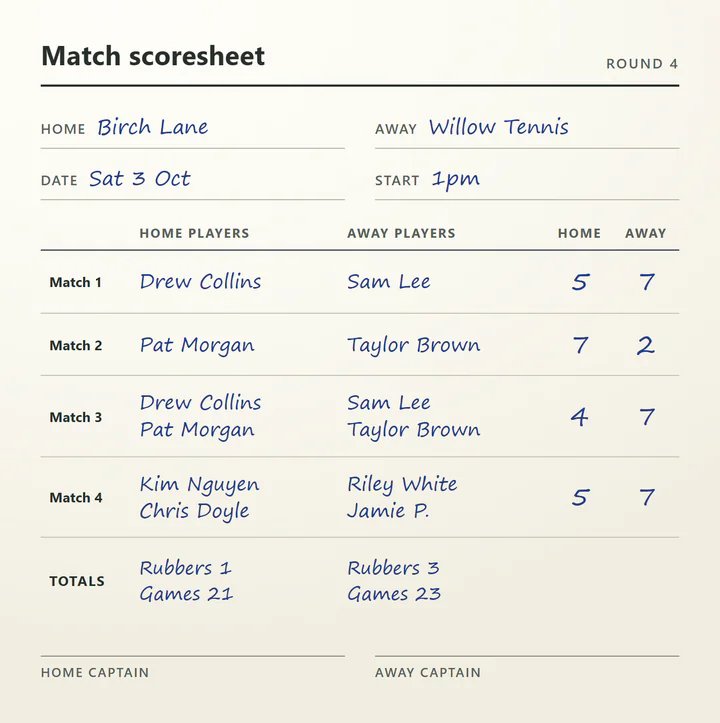
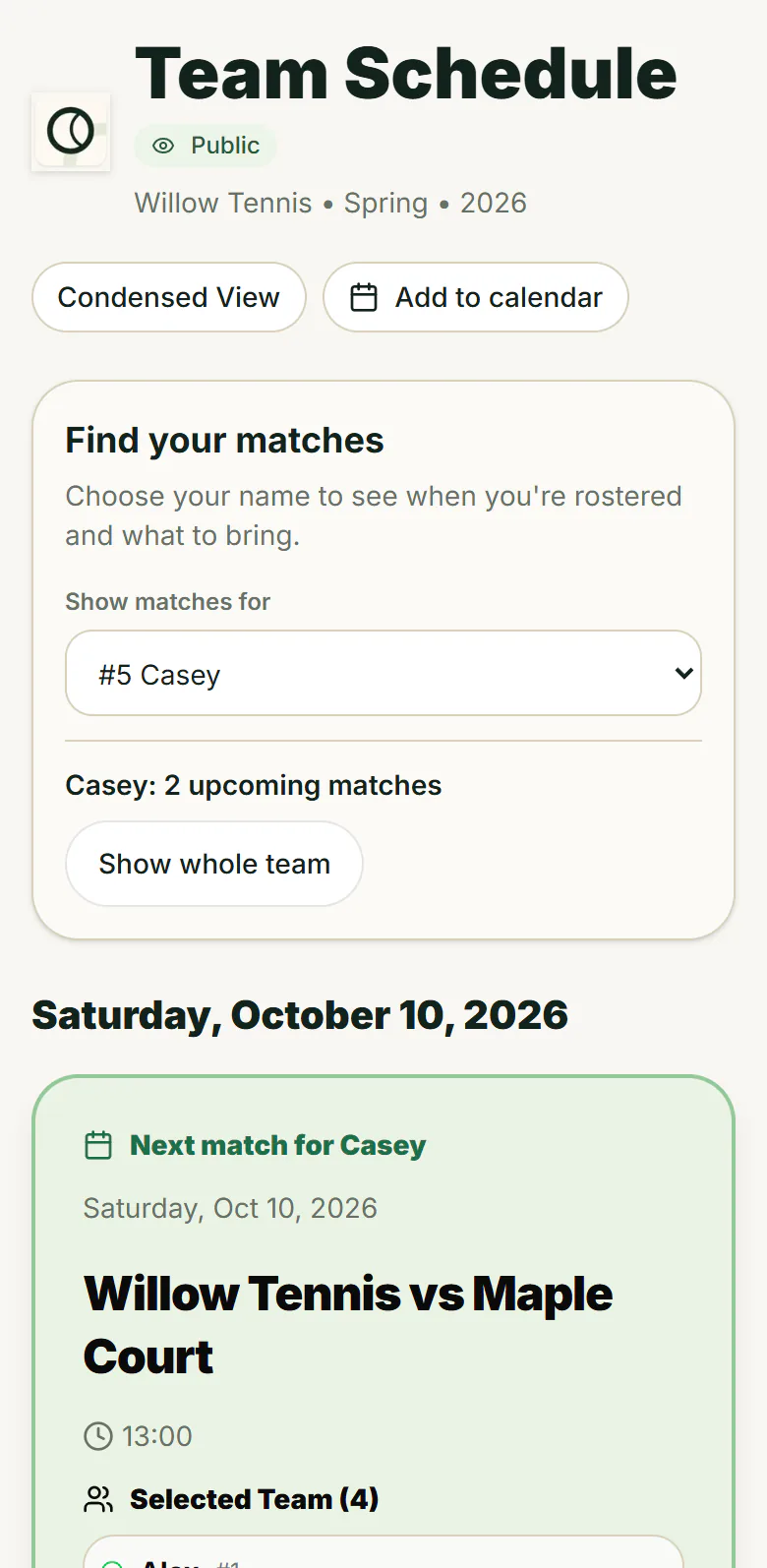
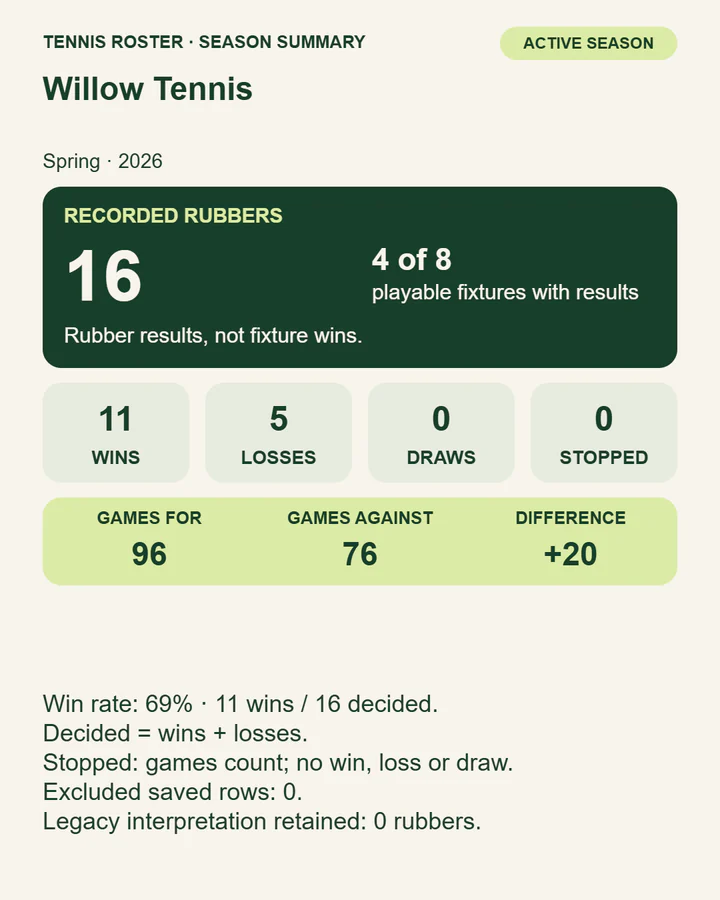
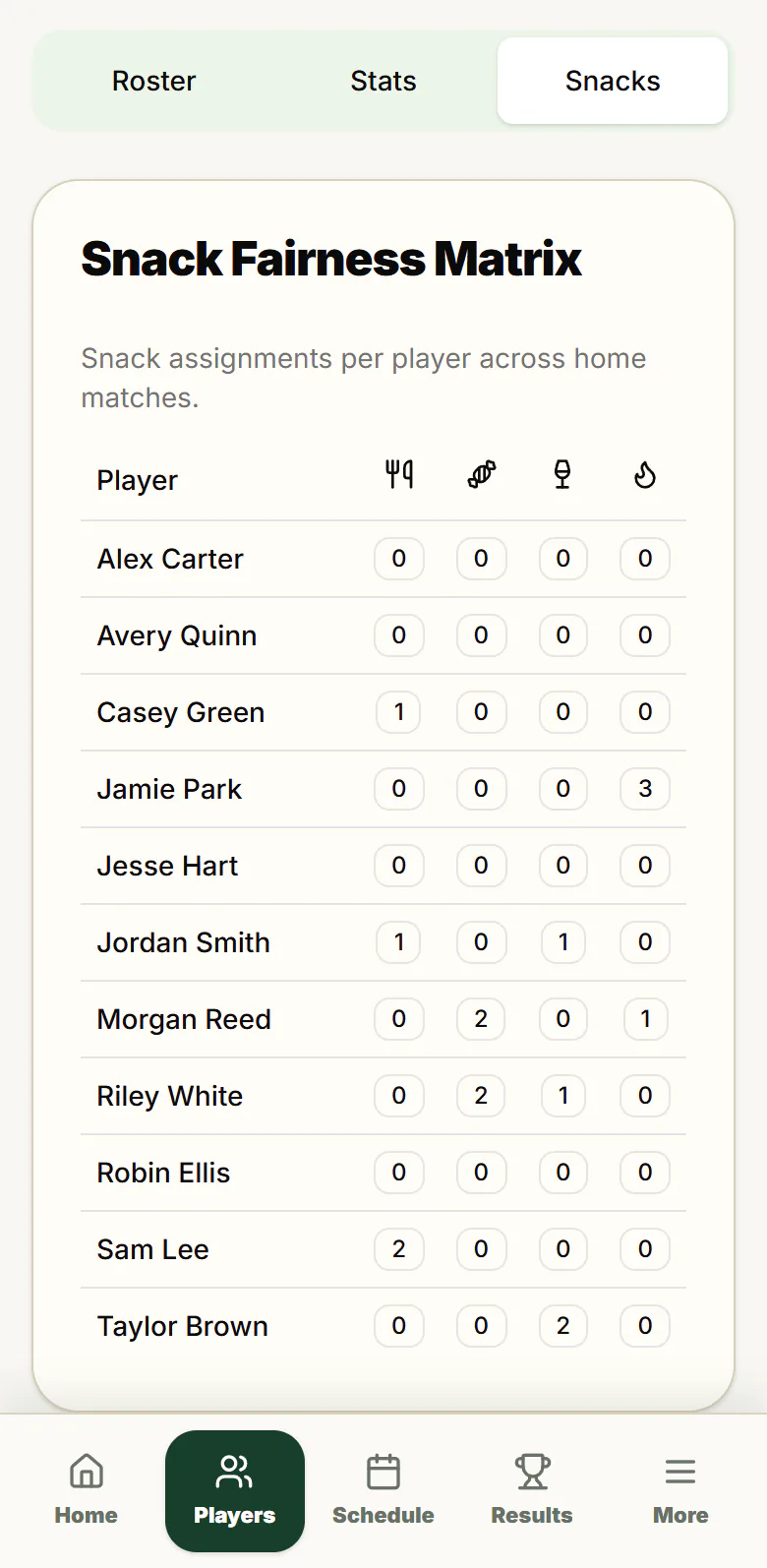
Photo results Club Pro preview
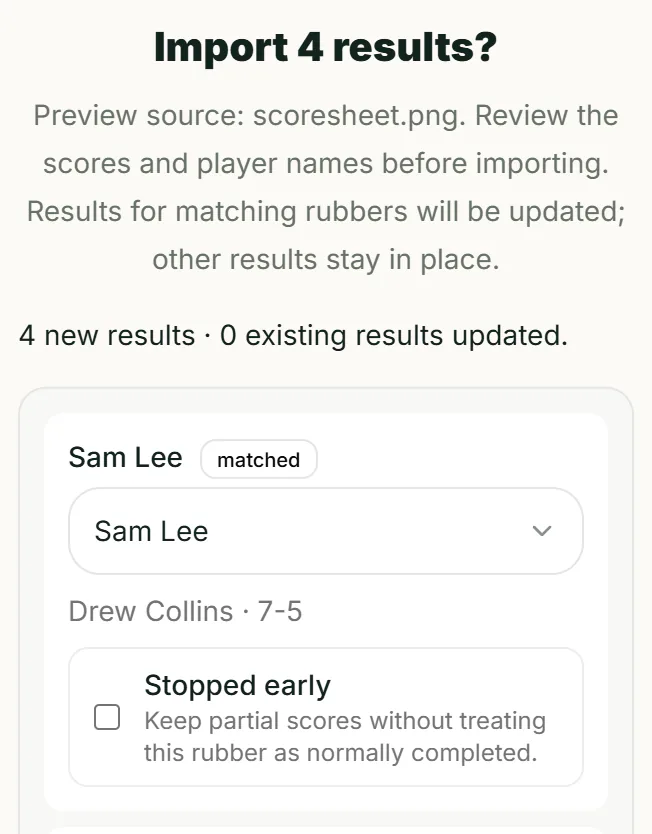
Bring in your scorecard photo, review the player names and scores, then import them into the round. Less retyping. You make the final call.
Pick the scorecard from your photos or files.
Check each name and score. Anything uncertain waits for you to confirm.
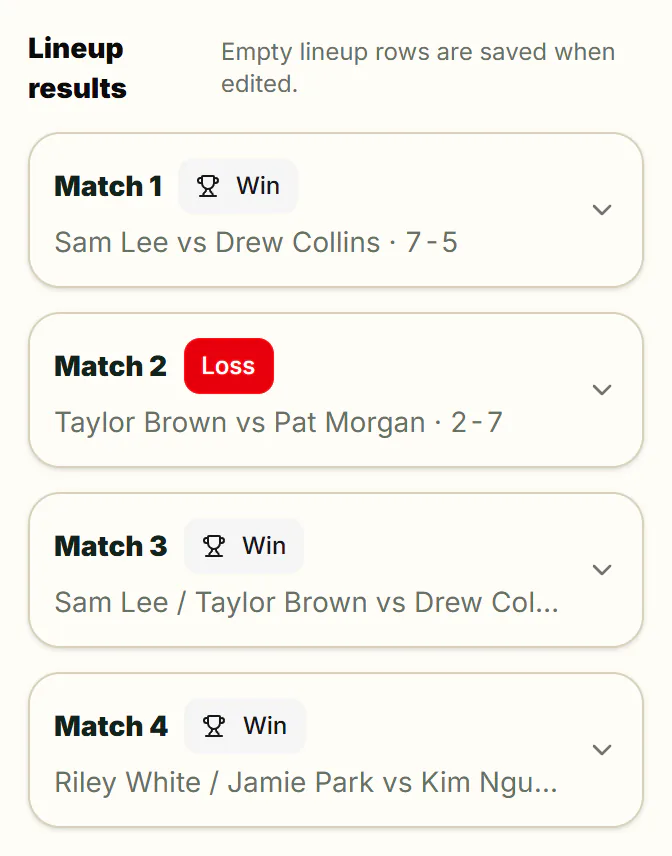
The round fills in, rubber by rubber. Other rounds stay as they were.
Club Pro preview. Built-in photo reading is part of Club Pro. Check Account for current availability. Anyone can copy the app’s prompt into their own AI service, then review and import what it returns.
Shown with a fictional scorecard. The AI step in this demonstration is scripted and sped up.
Take a closer look
Sharing and privacy
With a free Community account, one link gives the team every fixture. Players choose their name to see their matches and what to bring, then add fixtures to their calendar.
A public schedule shows fixtures, times, venues, the selected players, duties and match notes. Player contact details, player notes, availability records and account details are left out.
The public link is read-only and needs no account. Only a signed-in owner or captain can change a cloud roster.
Download a backup of the whole season whenever you like. Nothing is locked inside an account.
For clubs
Club Pro keeps each team’s roster, members, roles and public link separate, and club membership does not open other teams by default. Check Account for current plan availability.
Compare plans10 teamsSeparate team workspaces under one Club Pro club.
Plans
Local and Community are free. Captain Cloud and Club Pro prices are in Australian dollars. Sign in and check Account for current subscription options.
Run your team on this device
A$0
Free. No card, no billing.
Recommended
Share the season with your team
A$0
Free. No card, no billing.
Run the team with co-captains
A$9/month
Australian dollars. Check Account for availability.
Or A$90 a year.
Multiple teams, one club
A$59/month
Australian dollars. Check Account for availability.
Or A$590 a year.
Labs: TROLS ladder and fixture work is experimental. It is not part of any plan and is not sold as a paid feature.
Yes. The Local plan is the full on-device roster: players, availability, lineups, duties and results, all in your browser. No sign-up, no card.
The free cloud tier: backup and restore, public schedule links, and calendar sharing. It is supported by non-intrusive sponsorship shown only on the public web.
Players open the public link without an account and choose their name to see their matches. It shows fixtures, times, venues, the selected players, duties and any match notes. Player contact details, player notes, availability records and account details are left out, so keep private remarks in player notes rather than match notes.
Open Import on a round in Results and choose a photo of the scorecard. AI reads the names and scores, you check them and confirm anything uncertain, then import the round. Built-in photo reading is part of Club Pro. Check Account for current availability. Anyone can copy the app’s prompt into their own AI service, then review and import what it returns.
Yes. Fill in the season template as a CSV, TSV or Excel file, or use a Tennis Roster backup, then review everything before it opens as a new local season. PDFs, photos and other documents need AI to read them.
Your working roster is saved in this browser, so it does not move by itself. Save it to the cloud with a free Community account and load it on the new phone, or download a backup file and import it there.
Use an internet connection to open or reload the app. Your working roster is saved in this browser; cloud saves, loading cloud rosters and public sharing also need internet. Keep a backup of your season.
Club Pro holds up to 10 isolated team workspaces. Each keeps its own roster, members, roles and public identity, and club membership does not grant cross-team access by default.
TROLS is an experimental Labs integration. It is not part of any plan and is not sold as a paid feature.
Sign in and open Account to see the current subscription options for a team or club you administer. Choose an available plan and payment frequency, then continue to Checkout. A payment starts only when you explicitly confirm it there.